
Free PNG to WebP Converter Online — Bulk Convert Images Instantly
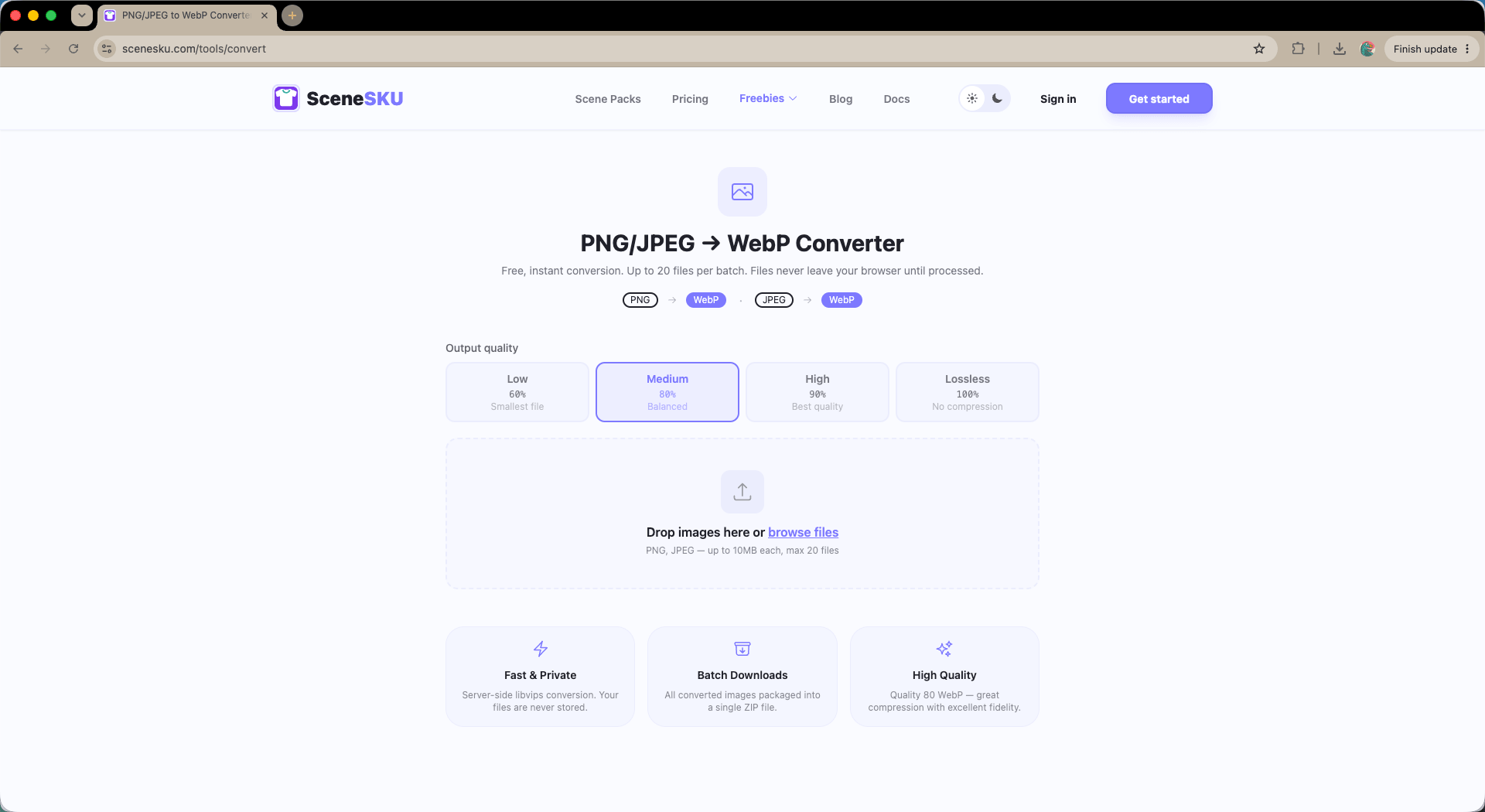
Convert PNG and JPEG images to WebP format online, for free. No sign-up, no installation. Upload up to 20 images at once, set your quality, and download a ZIP in seconds.
If you’ve just read about why WebP is the best image format for e-commerce, the next question is obvious: how do I actually convert my existing images?
You don’t need to install ImageMagick, write a shell script, or pay for a SaaS tool. We built a free, no-login bulk converter that does it in your browser in seconds.
Convert PNG and JPEG to WebP — Free, No Sign-Up
Try the free WebP converter at SceneSKU.com/tools/convert →
Here’s what it does:
- Upload up to 20 PNG or JPEG images at once — bulk conversion in a single batch
- Adjust output quality with a slider (higher quality = larger file, lower = smaller file)
- Download all converted WebP files as a single ZIP — no waiting, no email delivery
- No account required — open the tool, drop your files, done
There’s no file stored on our servers longer than needed to process the conversion. Upload, convert, download, gone.
When Should You Use This?
Before launching a new product category. Got a folder of product shots from your photographer? Run them through the converter before uploading to your CMS. Your category page will thank you.
Before building a demo storefront. If you’re seeding a MedusaJS, Shopify, or Next.js development environment with real imagery, converting to WebP first means your demo loads fast from day one — not after a PageSpeed audit reveals the problem.
Before submitting to an image CDN. Most CDNs can serve WebP, but if you’re uploading originals, starting with WebP gives you a better baseline to optimize from.
Before a client presentation. Nothing kills confidence in a frontend build faster than a slow Lighthouse score on demo day. A quick batch conversion of your hero and product images is a five-minute fix that can shift your score by 10–20 points.
What Quality Setting Should You Use?
The quality slider controls the compression level of the output WebP file:
| Quality | File Size | Best For |
|---|---|---|
| 60–70 | Very small | Thumbnails, background images |
| 75–85 | Balanced | Product listings, category grids |
| 85–90 | High fidelity | Hero images, featured products |
| 95+ | Near-lossless | Source archival, print-adjacent use |
For most e-commerce product images, 80 is the sweet spot — visually indistinguishable from the original at roughly half the file size of an equivalent JPEG.
Beyond the Converter: Native WebP From Day One
Converting your existing image library is a great start. But if you’re building a new storefront or demo environment from scratch, there’s an even faster path.
Every SceneSKU Scene Pack ships with AI-generated product imagery that is already encoded in WebP — no conversion step required. Seed your store with SceneSKU data and you get visually cohesive, performance-optimized product images out of the box, with 95+ PageSpeed scores achievable before you’ve written a single line of optimization code.