Fashion Store Demo Images for Ecommerce Websites, Themes, and Mock Stores
Realistic fashion store demo images for ecommerce websites, themes, and mock stores. Men's and women's fashion product photography, category images, and structured mock data for Shopify, WooCommerce, Medusa, and Next.js storefronts.
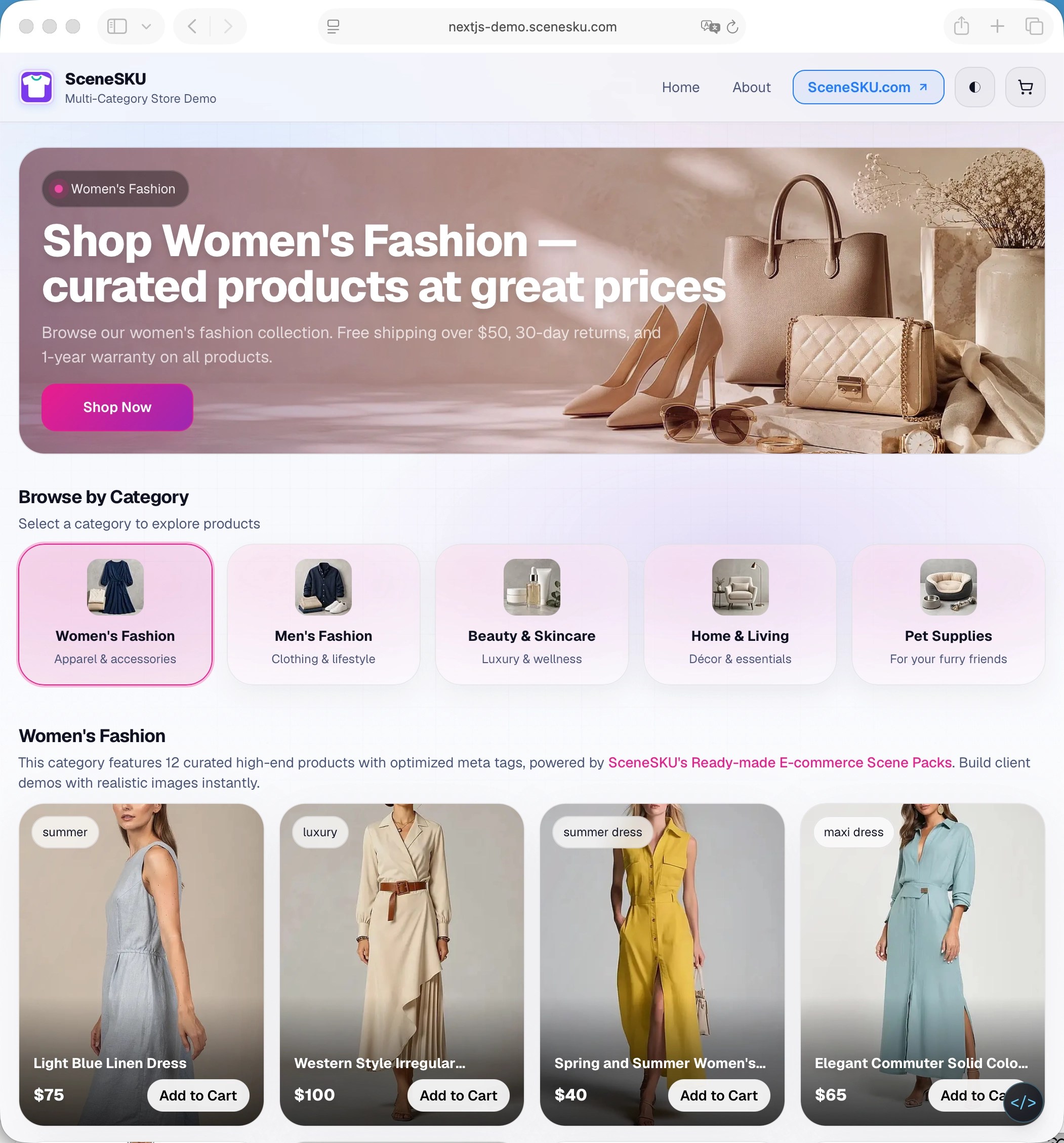
Building a fashion ecommerce demo is not just about filling product cards with images.
A good fashion demo needs to feel like a real store. The homepage banner, category cards, product grid, product detail pages, and related products should all look consistent. If every image comes from a different source, even a well-designed storefront can feel unfinished.
That’s why realistic fashion store demo images matter for ecommerce websites, themes, mock stores, and client demos.
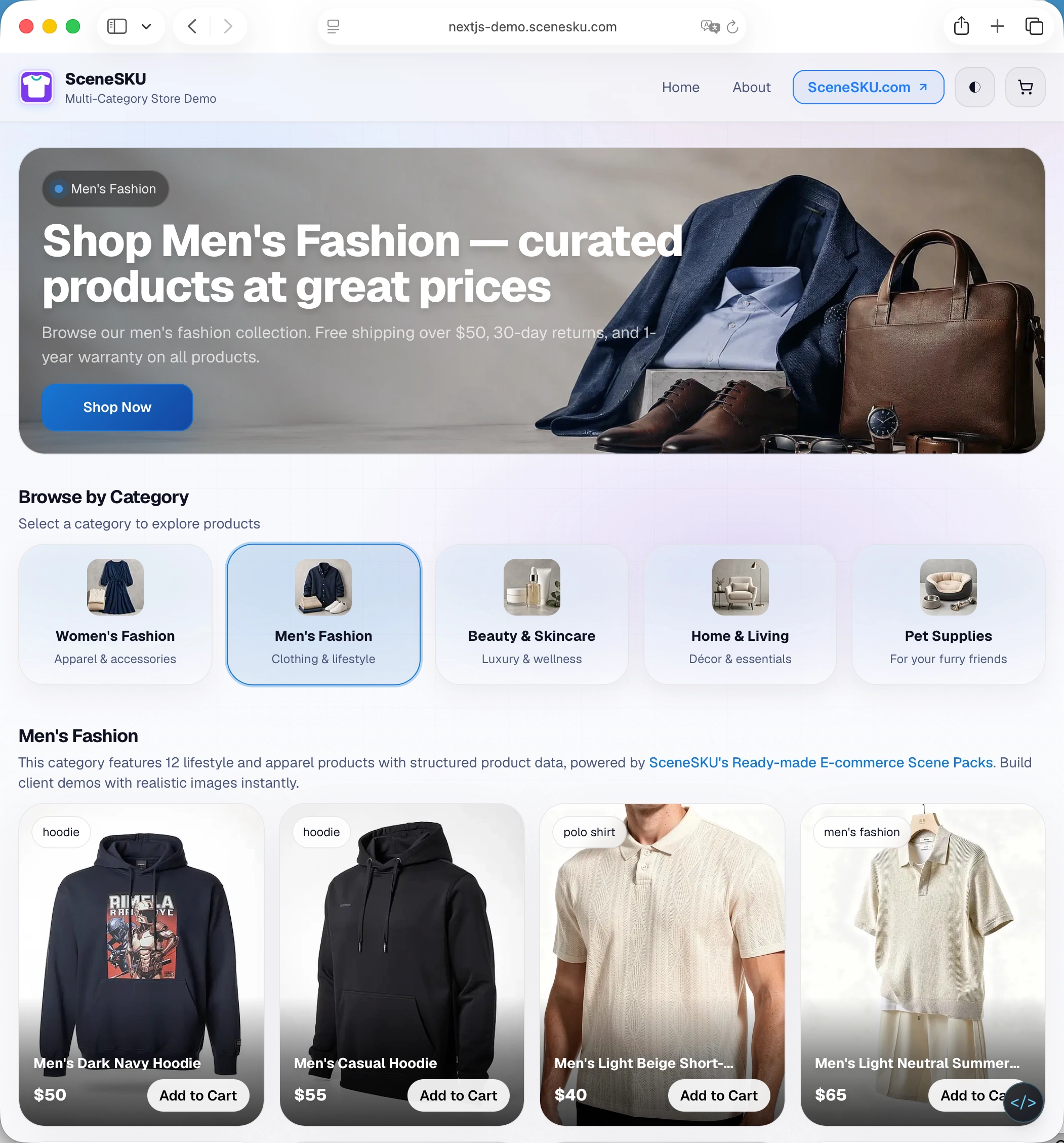
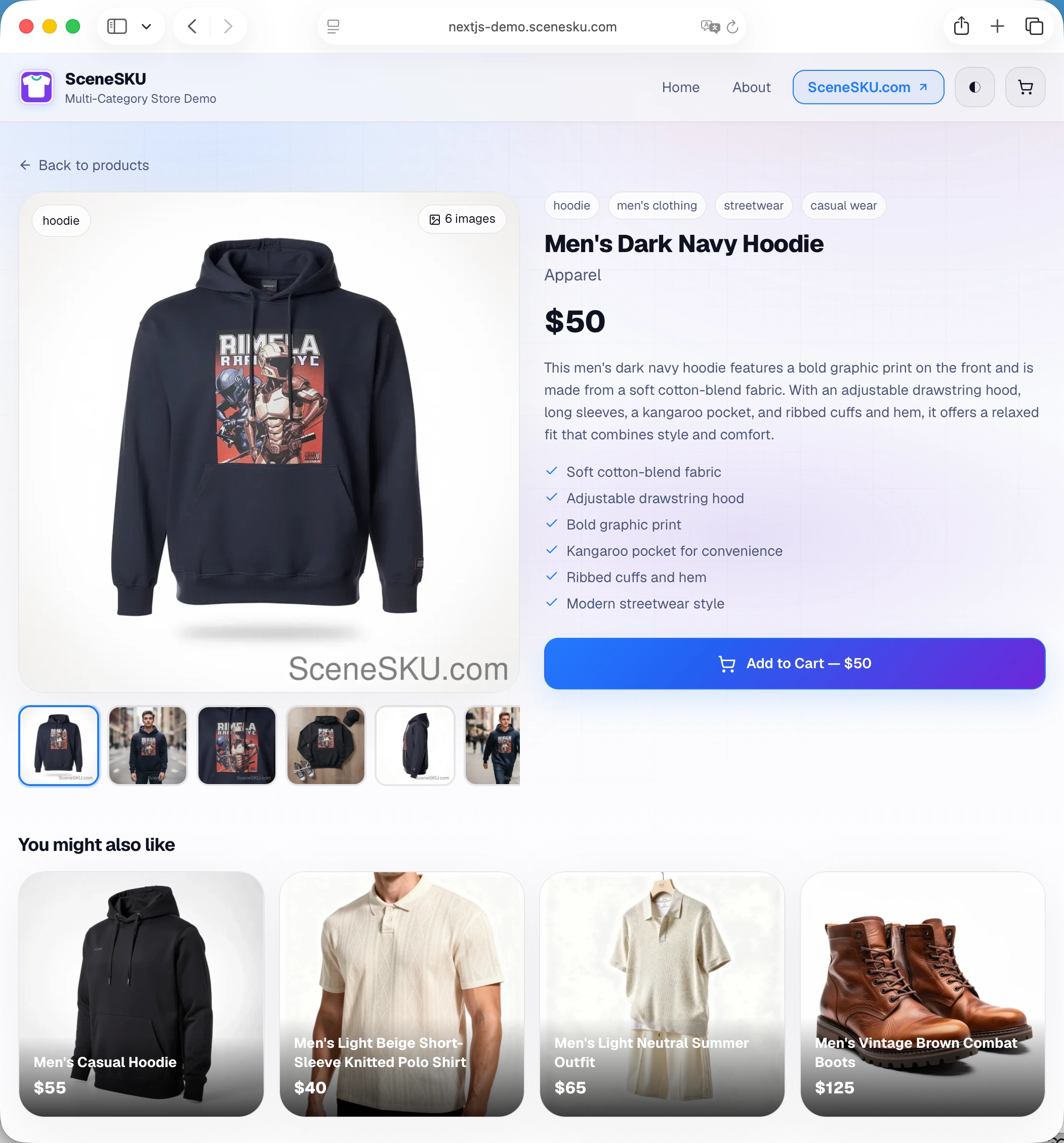
The screenshots in this post are taken from our live Next.js ecommerce demo store, built entirely with SceneSKU fashion Scene Packs. Browse it yourself to see how the images and product data come together in a real storefront.
Why Fashion Demo Images Matter
Fashion is one of the most common categories for ecommerce demos, but it’s also one of the hardest to make look polished.
A fashion store usually needs more than a few product photos. It needs:
- Product grid images
- Category thumbnails
- Homepage hero banners
- Product detail galleries
- Lifestyle images
- Related product images
- Matching product titles, prices, tags, and descriptions
Placeholder images can help during early development, but they don’t show how the final shopping experience will feel. Fashion stores are highly visual, so image quality, cropping, lighting, and consistency all affect the demo.
Common Use Cases
Fashion demo images are useful when you’re building or testing:
- Shopify theme demos
- WooCommerce mock stores
- Medusa storefront demos
- Saleor or headless commerce demos
- Next.js ecommerce templates
- Ecommerce UI kits
- Agency client presentations
- Portfolio projects
For these use cases, realistic images make the store easier to understand and easier to present.
If you’re building a headless Next.js or MedusaJS storefront specifically, see how the same Scene Pack data eliminates empty product grids during development in How to Solve the “Data Vacuum” in Headless E-commerce.
What a Realistic Fashion Demo Store Needs
A complete fashion demo should include different types of visuals.
Category images help users quickly browse sections like women’s fashion, men’s fashion, shoes, bags, and accessories.
Hero banners set the visual tone of the storefront and leave space for headlines, offers, and call-to-action buttons.
Product grid images need to be clean and easy to scan, especially on collection pages.
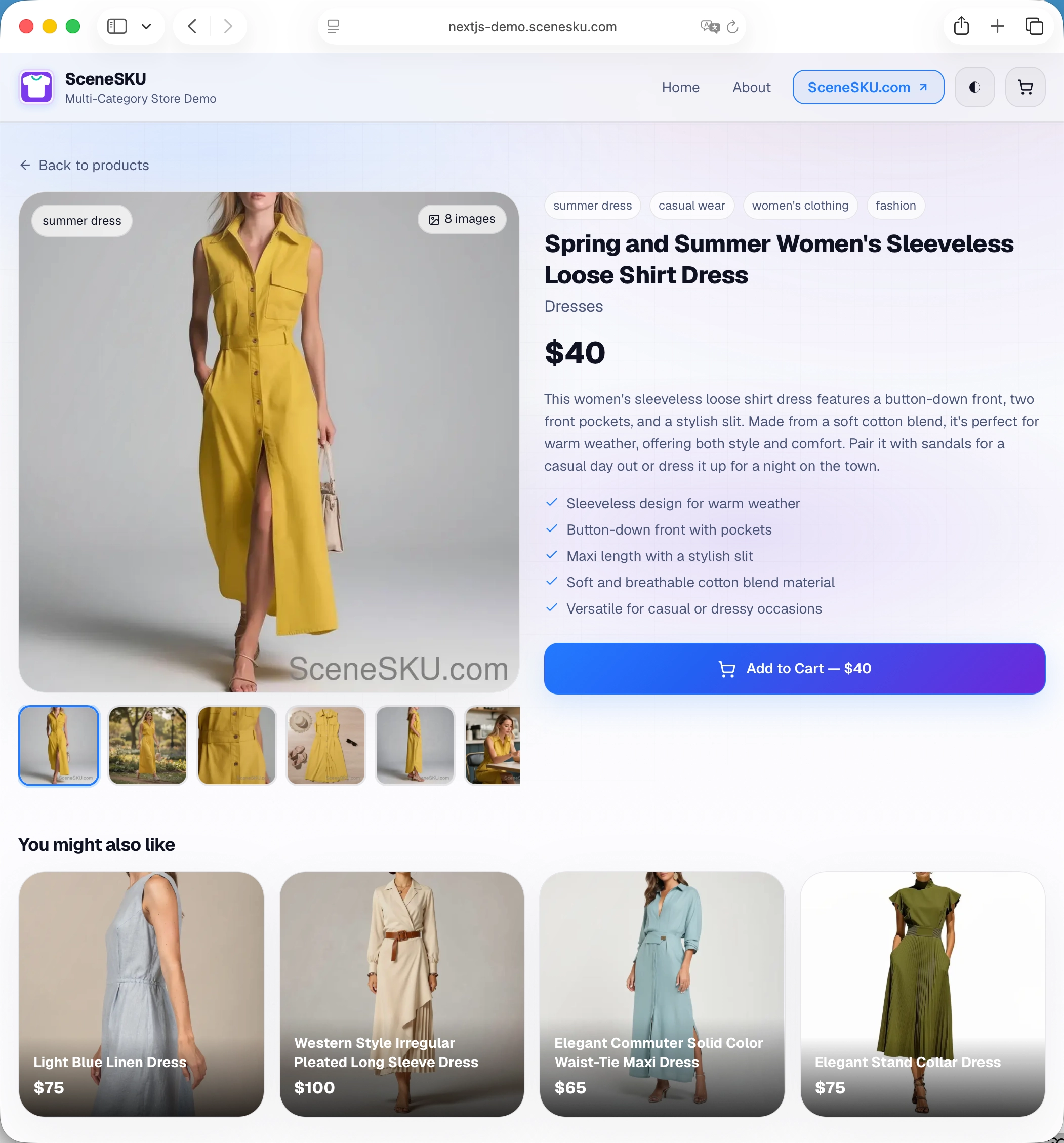
Product detail galleries should include multiple views, such as a main product image, lifestyle photo, close-up, flat lay, or model shot.
Product Data Matters Too
Images alone are not enough for a useful ecommerce demo.
A realistic fashion mock store also needs structured product data, including:
- Product name
- Category
- Price
- Description
- Tags
- Features
- Variants such as size or color
- Related products
This helps you test product cards, filters, search, category pages, product detail pages, and cart flows with data that feels closer to a real store.
How SceneSKU Helps
SceneSKU provides ready-made ecommerce scene packs with matching product images and structured product data.
For fashion demos, you can use SceneSKU to quickly populate a storefront with men’s and women’s fashion products, category visuals, product detail images, titles, prices, tags, and descriptions.
Instead of collecting random stock photos or manually creating mock products, you can start with a consistent visual dataset designed for ecommerce demos.
SceneSKU is especially useful for developers, designers, ecommerce teams, and template creators who need realistic demo stores without spending hours preparing product assets.
No Matching Product in the Ready-Made Library? Generate Your Own
The ready-made Scene Pack library covers the most common fashion categories, but not every project needs the same hoodie, dress, or sneaker. If you need a specific garment, colorway, or style that isn’t already available, you can generate your own photo pack from a product idea instead of settling for a close-enough substitute.
Describe the product — or upload a reference image — and SceneSKU’s scene planning engine generates a full set of matching product photos (hero shot, lifestyle scene, flat lay, close-up) along with the structured product data to go with it. This means your fashion demo can stay on-brand even when the exact product doesn’t exist in the pre-built catalog. See how to prompt AI for ecommerce product images for a full walkthrough.
Final Thoughts
Fashion ecommerce demos need more than empty placeholders. They need believable products, consistent images, and product data that make the store feel real.
Whether you’re building a Shopify theme, a Medusa demo, a WooCommerce mock store, or a Next.js ecommerce template, realistic fashion store demo images can make your project look more complete and easier to evaluate.
SceneSKU helps you build that kind of demo faster with ready-made ecommerce product images, matching mock data, and API or export workflows for developers.
New to SceneSKU? Create an account → and start downloading Scene Packs today.